Your Dashboard Can Do a Lot More Now
Order a design, approve it, request changes to your live site, and pay for it — all from one dashboard.

Working with a web designer used to mean a long email thread. Design mockups as attachments, feedback buried in replies, a "quick change" request that got lost under three other messages, and an invoice that showed up in yet another inbox.
We've been steadily pulling all of that into one place. The Granite Cloud & Code dashboard now handles nearly the entire life of your website, from picking a design package to asking for a new feature two years after launch.
Here's a tour of what's new.
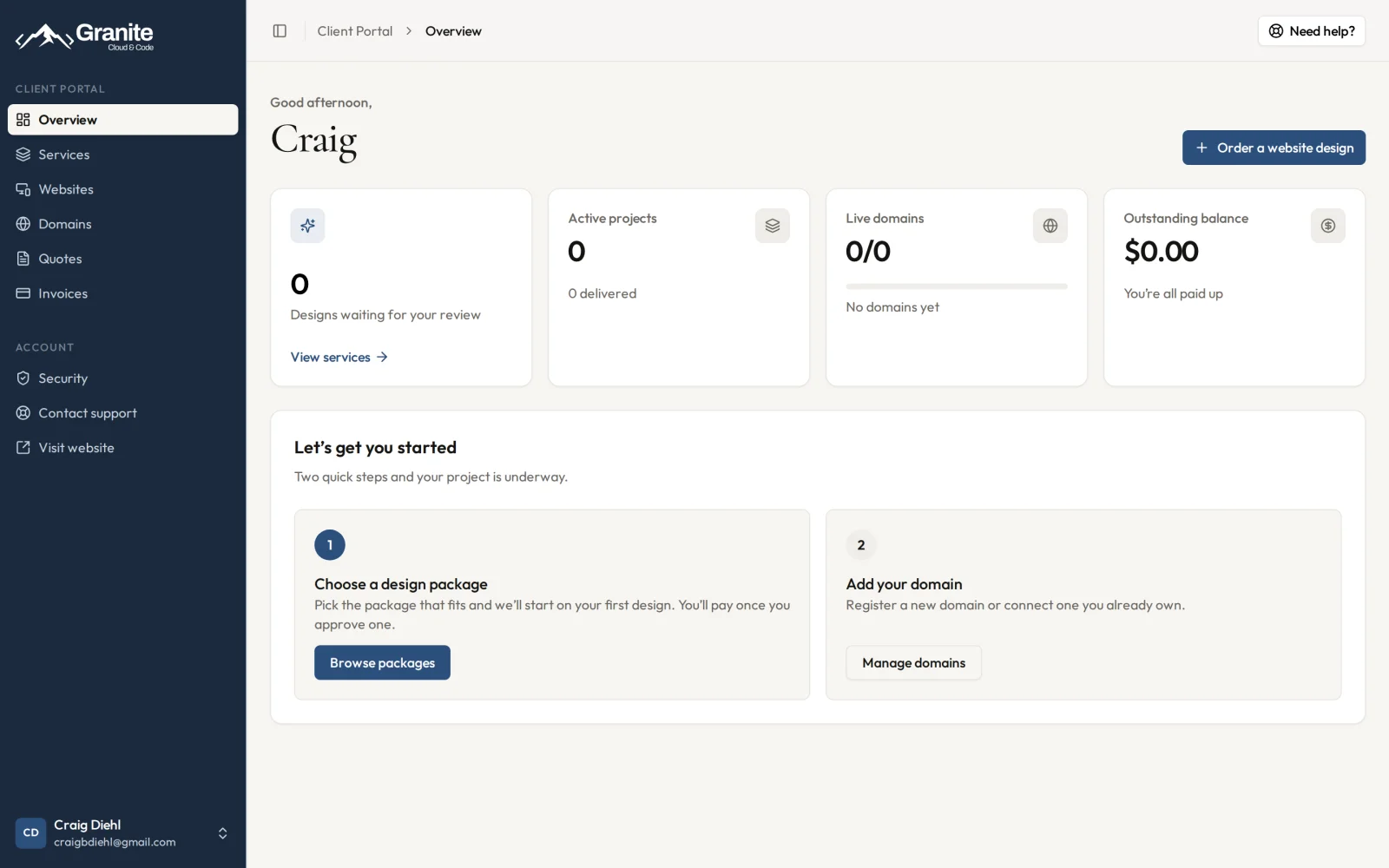
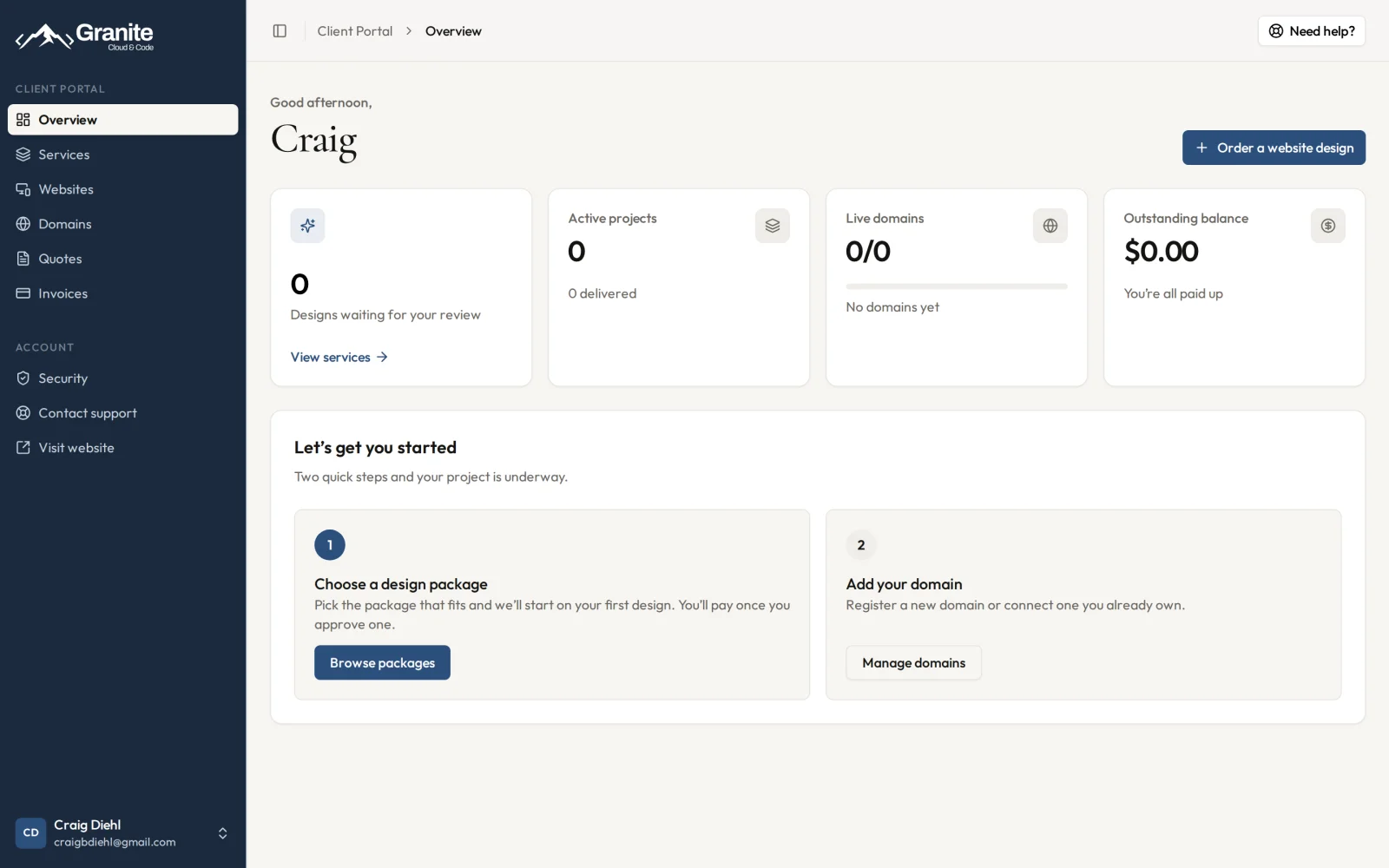
The Overview: designs waiting for review, active projects, live domains, and your balance at a glance.
Part 1: Getting Your Design Done
Start with a package, and pay only when you approve
Click Order a website design and choose the package that fits your business. We start on your first design right away. You don't pay until you've approved one. That's the whole point: you see real work before you commit.
Review designs and leave feedback
When a design is ready, it shows up on your Overview under Designs waiting for your review. Open it and tell us what you think. The feedback box literally asks: What works, what doesn't work? What do you hate? What do you like? Be blunt. Specific feedback gets you to the right design faster.
Finalize, and get your spec sheet and assets
Once you've found the one, hit Finalize This Design. Signing off does three things:
Retires the other design options for that service, so there's no confusion about which one we're building
Generates an official spec sheet for your chosen design
Releases its downloadable assets to you
It's a deliberate, one-way step (the dashboard makes you confirm it), so you always know exactly what was approved.
Part 2: Getting Work Done on Your Live Site
Production and staging, side by side
The Websites section shows every site we host for you. Each one has its Production site (your live, public website) and a Staging site where changes can be previewed before they go live. You get a link to each, a shortcut to your site's admin page, and a preview login so you can see staging exactly the way your visitors will.
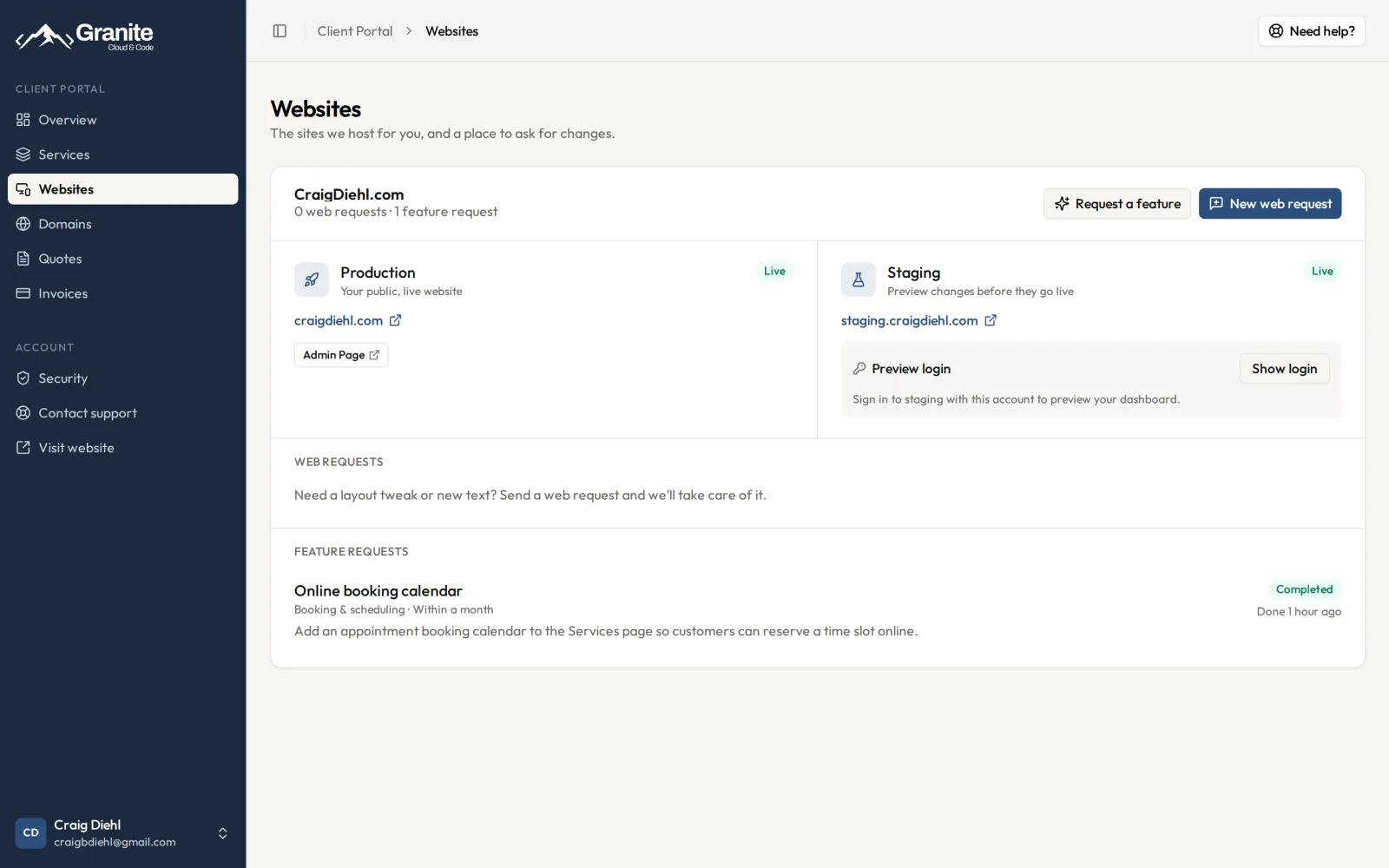
Production and staging environments, plus a history of every request for that site.
Web requests: small changes, no email required
Need new text on a page, a photo swapped, or a layout tweak? Click New web request, tell us which page and what you'd like changed, and send it. It's logged against that site so nothing falls through the cracks, and you can see where it stands.
Feature requests: bigger ideas, quoted up front
Some changes are bigger than a text edit. Request a feature is for those, and it comes with categories to help you describe what you're after:
Admin dashboard
Blog
Payments (deposits, invoices, donations)
Online store
User accounts and member-only pages
Booking & scheduling
Third-party integrations (CRM, email marketing, shipping)
Something else entirely
Add the details and an optional timeline, from "no particular deadline" to "as soon as possible." We review it, follow up with any questions, and send you a quote before any work starts. No surprise bills.
Quotes and invoices, in the same place
When we send a quote, it lands in Quotes. Accept it and we get started, and a matching invoice follows automatically.
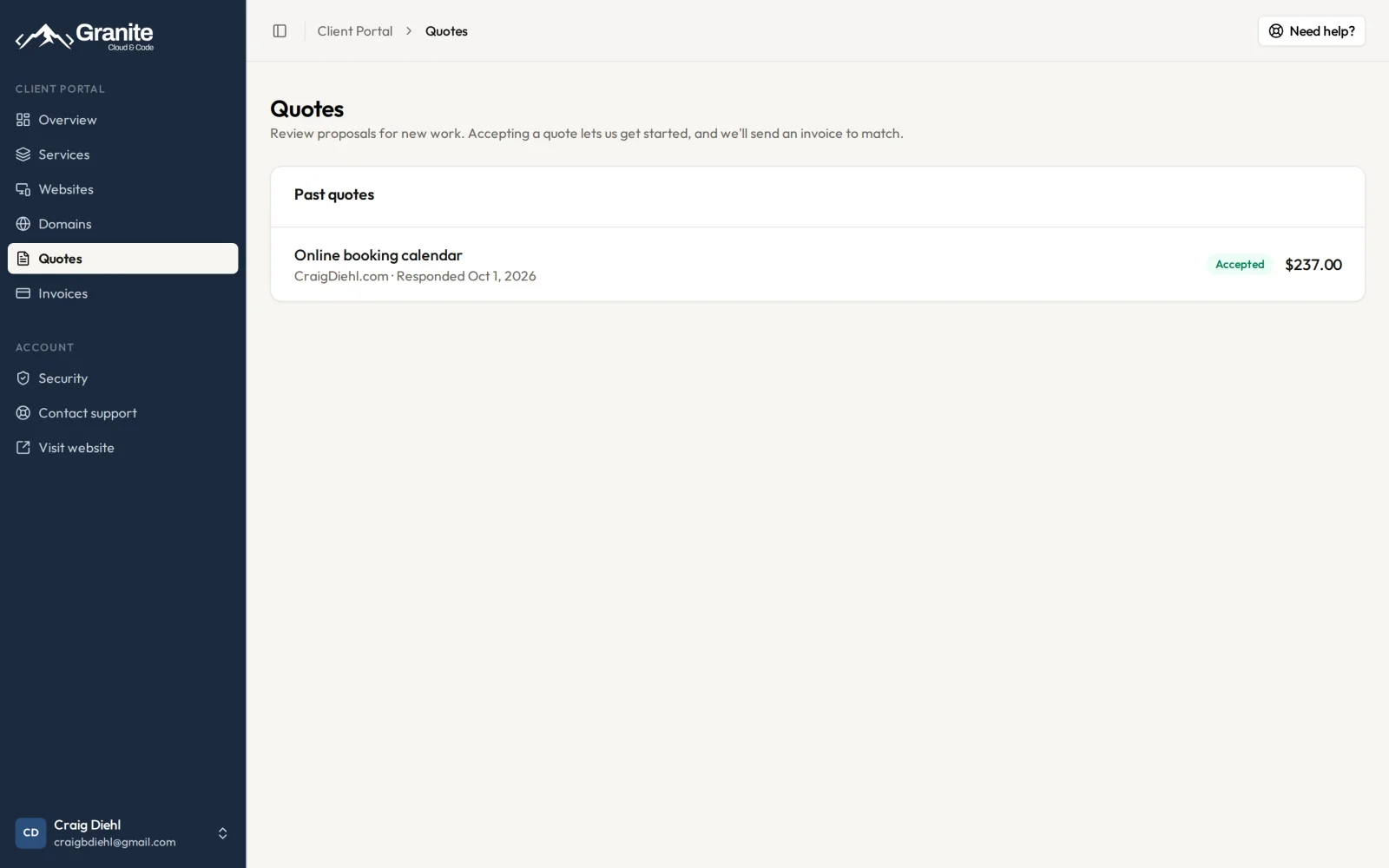
Accept a quote and we get started. The matching invoice follows automatically.
Invoices live in Invoices, with your outstanding balance and total paid up top. Payments are processed securely through Stripe.
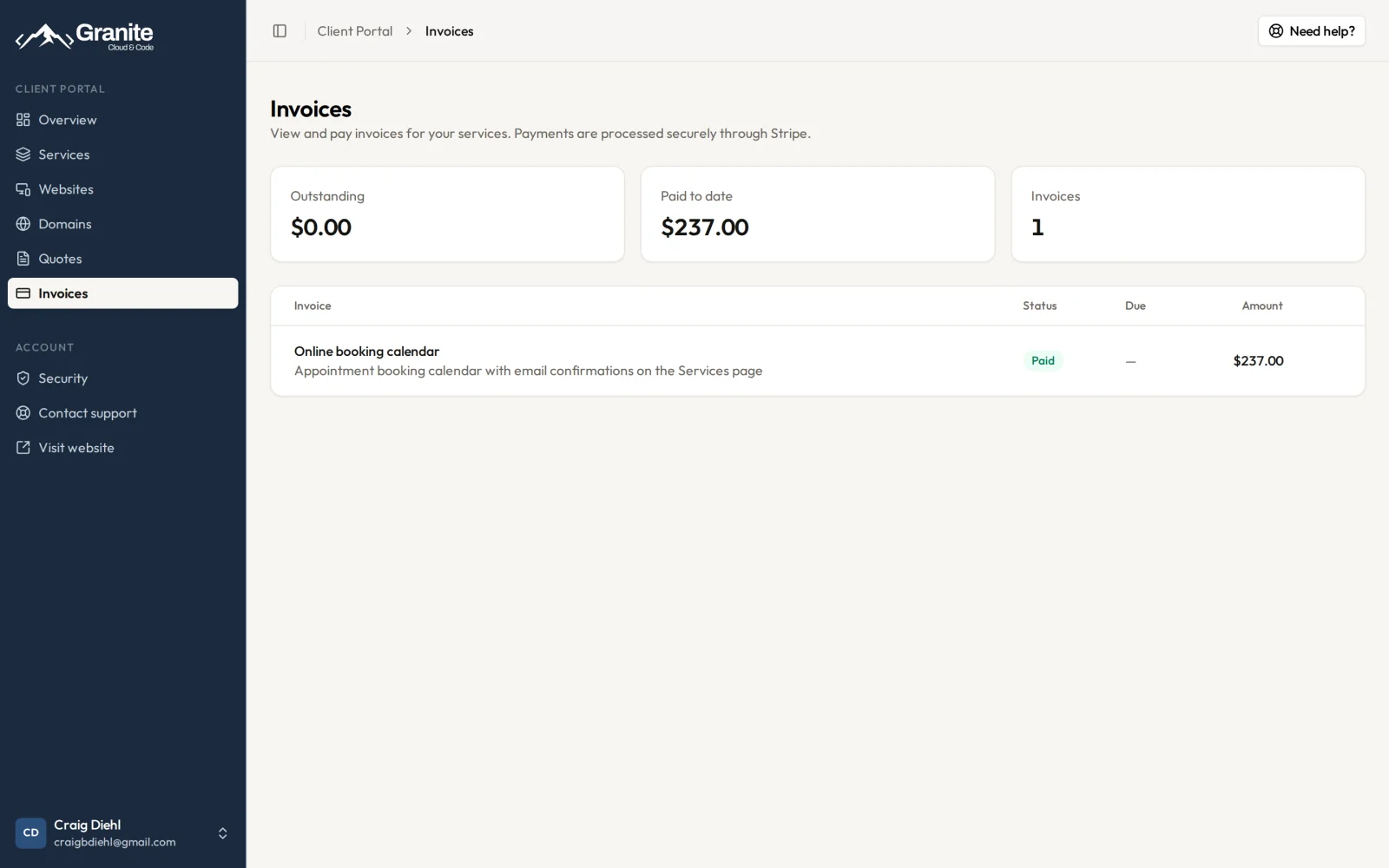
From request to quote to paid invoice, all tracked in one place.
Part 3: Domains and Email
The Domains section lets you search for and register a new domain, or connect one you already own. If your domain lives at another registrar, the dashboard walks you through pointing it to us with step-by-step instructions for GoDaddy, Squarespace, and Wix.
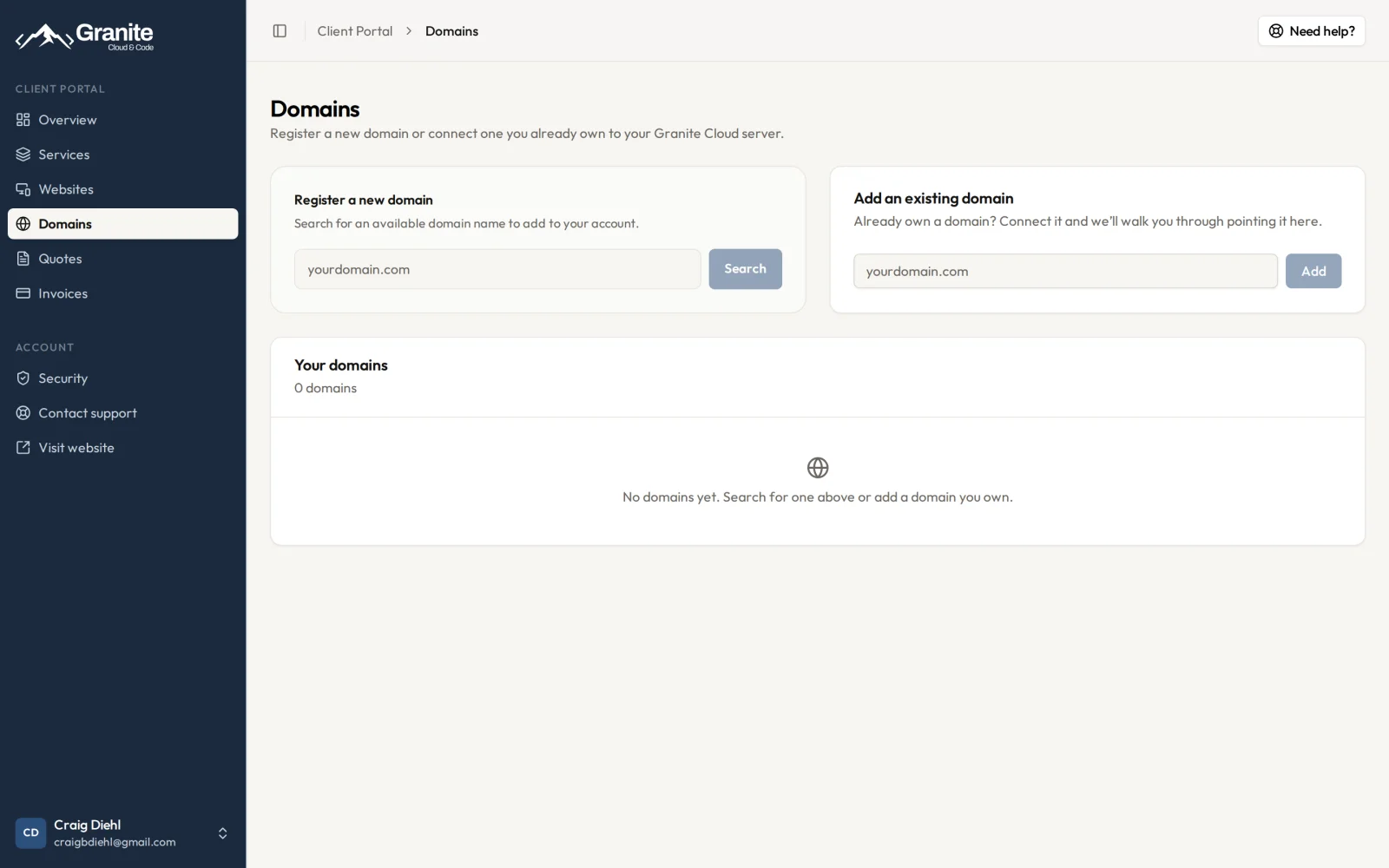
Register a new domain or connect one you already own, with step-by-step instructions for pointing it to us.
And the one-click Google Workspace setup we launched last month does more now. Paste the verification value Google gives you, and we add the verification record plus the mail-routing (MX) and SPF records your email needs. That's the full setup, not just the first step.
Why We Built This
Small business owners shouldn't have to manage a website project through their inbox. Every feature here comes from a real moment where a client had to email us, wait, and wonder: Did they see my feedback? Is my change done? What am I paying for?
Now the answer is always one click away.
Get Started
Already a client? Log into your dashboard and take a look around. New here? Pick a design package. You won't pay a thing until you've approved a design you love.
Comments
Sign in to leave a comment.